The challenge
How do we take a process built around in-person design centers and turn it into a digital experience?
The objective
A simpler way for homebuyers to visualize and select finishes, while giving builders a lower-cost alternative to in-person design centers.
I created a white-label proof of concept that lets buyers visualize custom finishes in their actual floorplans and move through the selection process remotely. For builders, it demonstrated how a digital experience could reduce selection times and offer a more efficient alternative to costly in-person design centers.
View website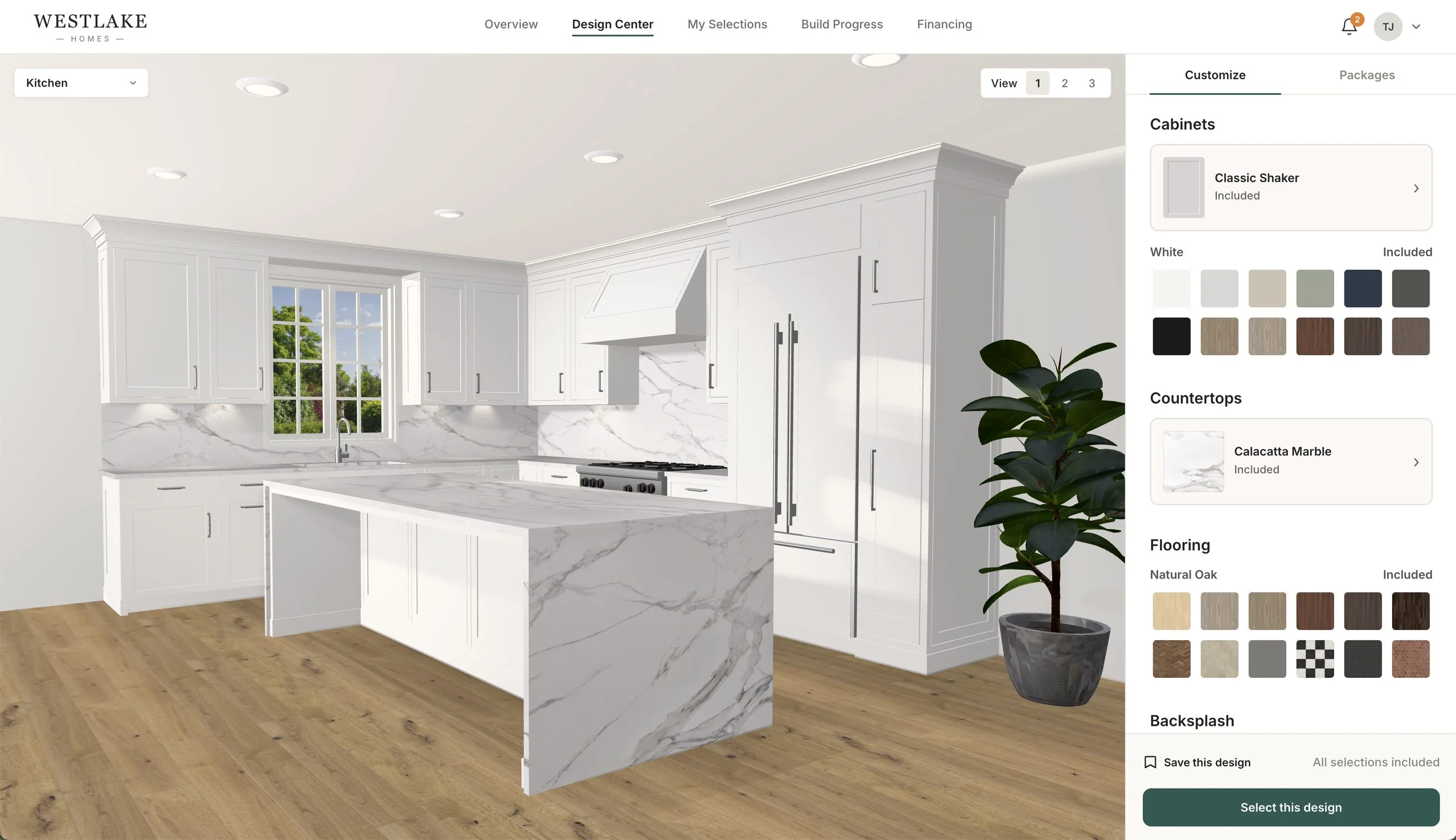
From prototype to system
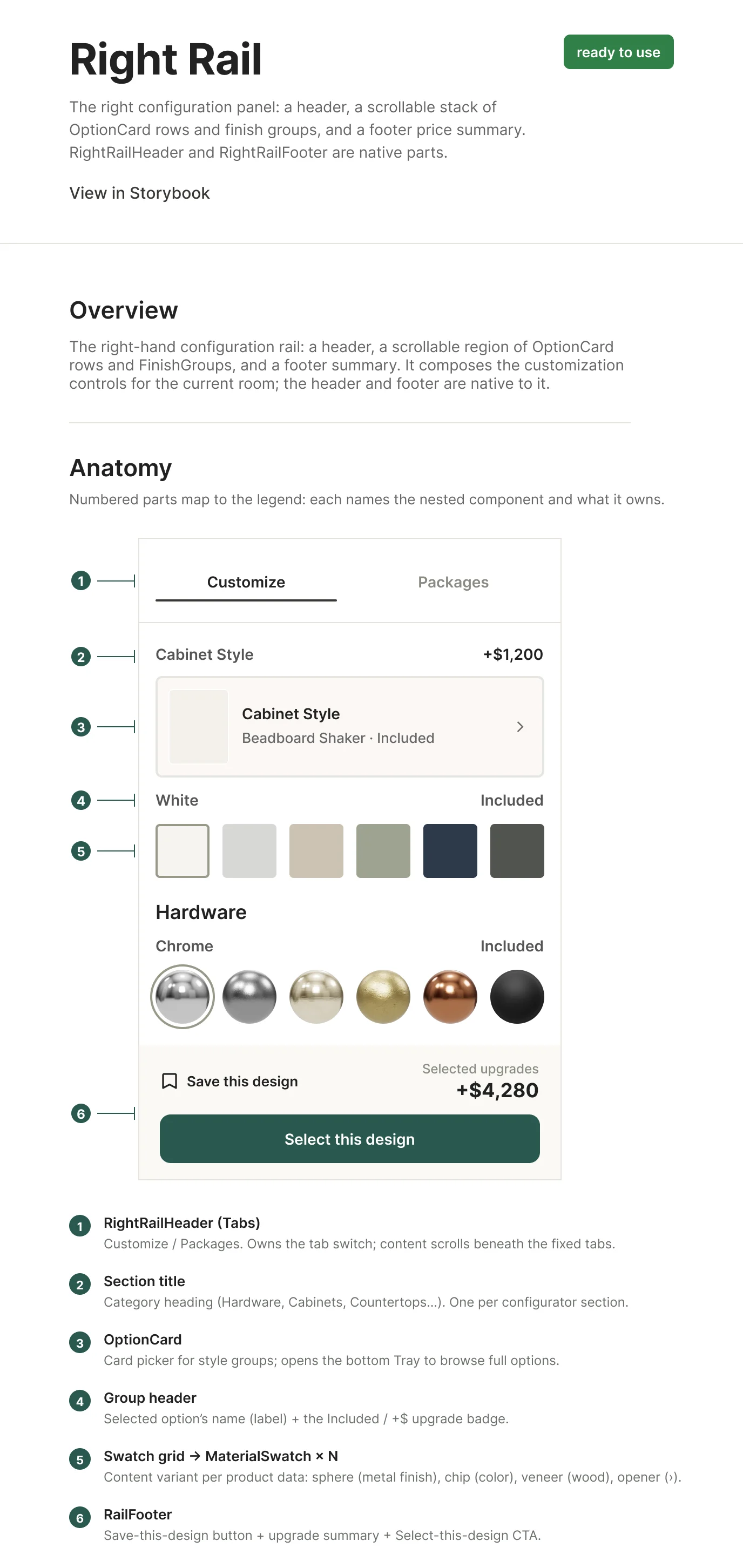
I started with a working prototype and used AI-assisted tools to move through ideas quickly. Building the experience first helped me see what actually worked in context and which patterns were worth carrying forward. Those patterns became the starting point for the design system.
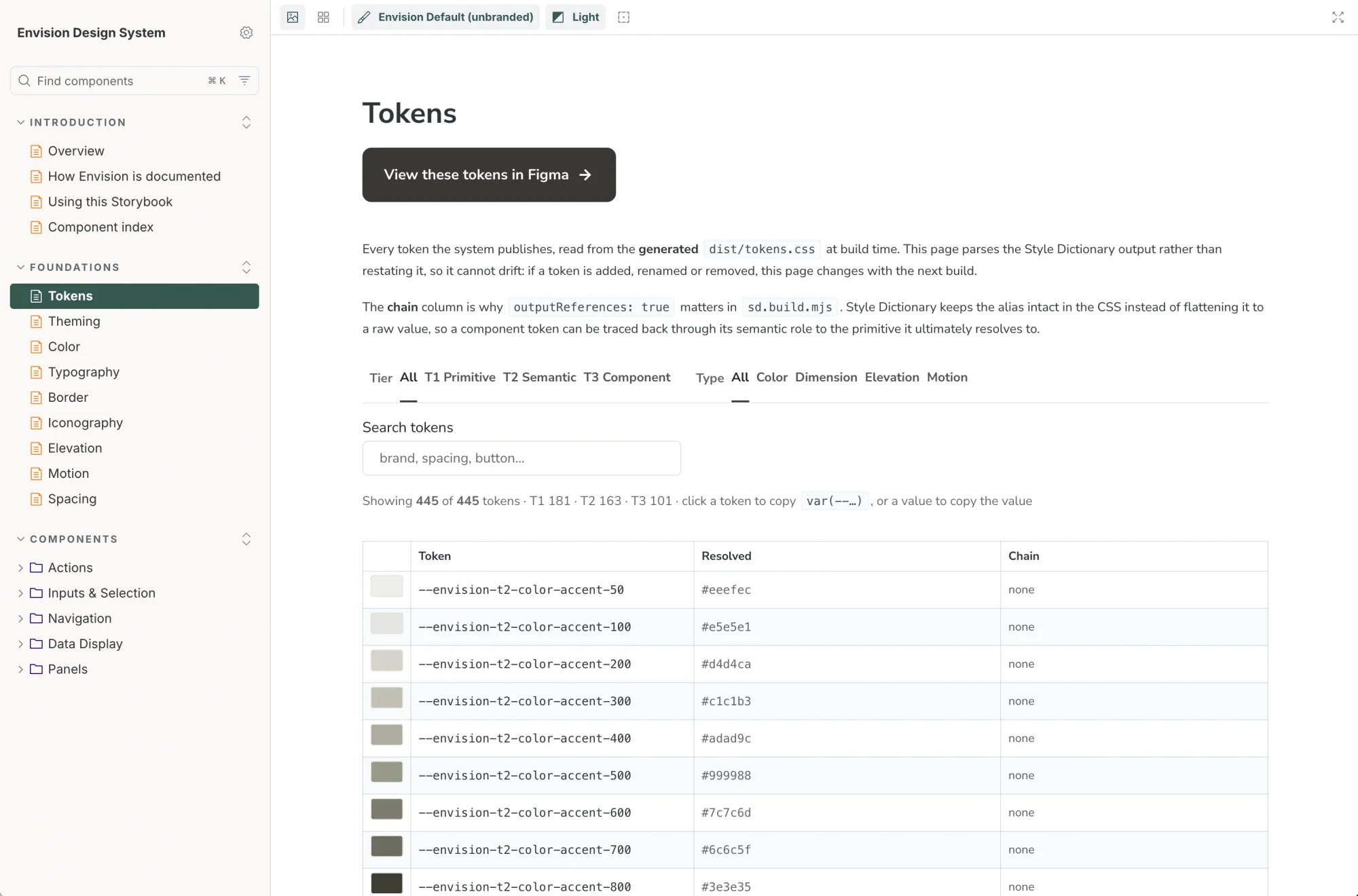
I organized the foundations in Figma using primitive, semantic and component tokens. Style Dictionary turned those tokens into CSS and TypeScript. I built and tested the components in Storybook, giving developers a clear reference for how each one should work. From there, I documented the system and defined how it could continue to grow without drifting from the product.
View Storybook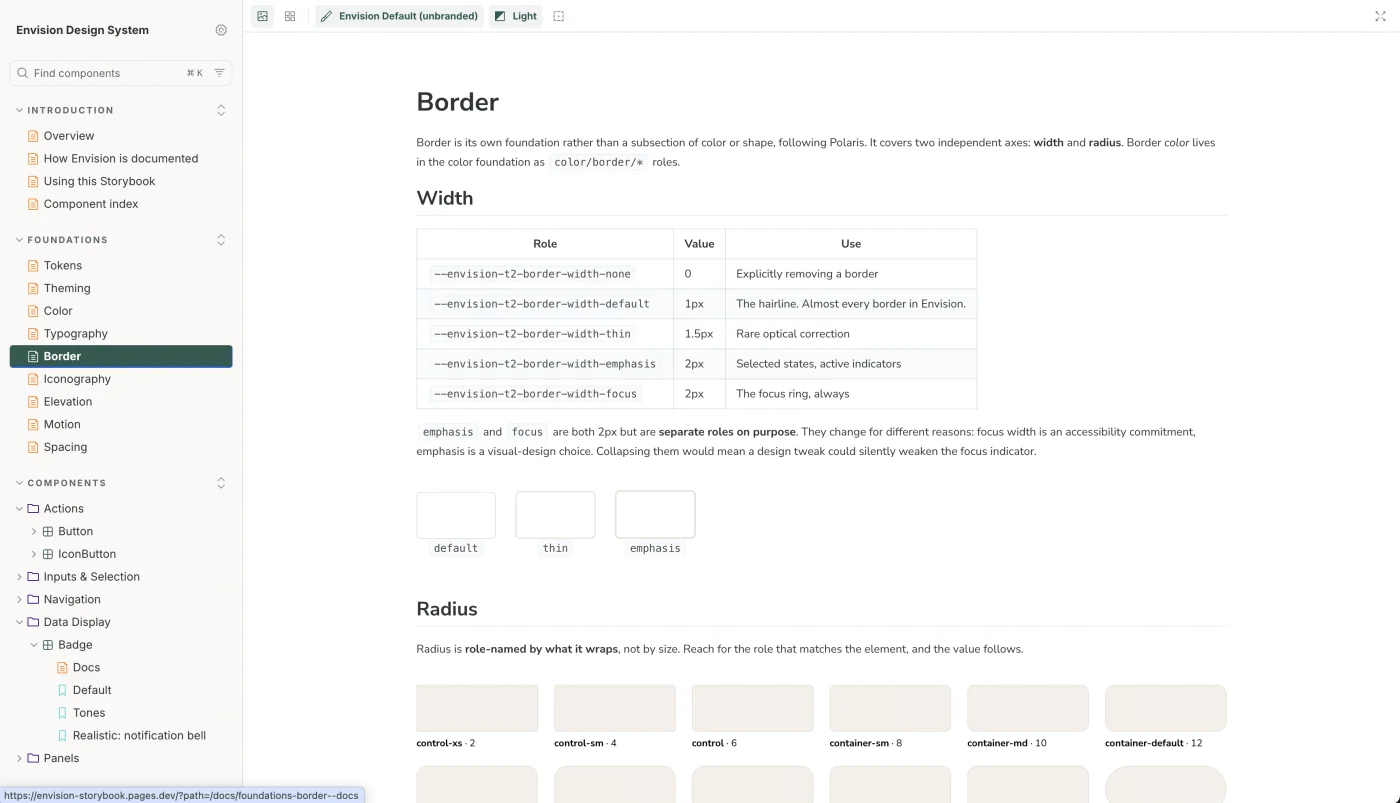
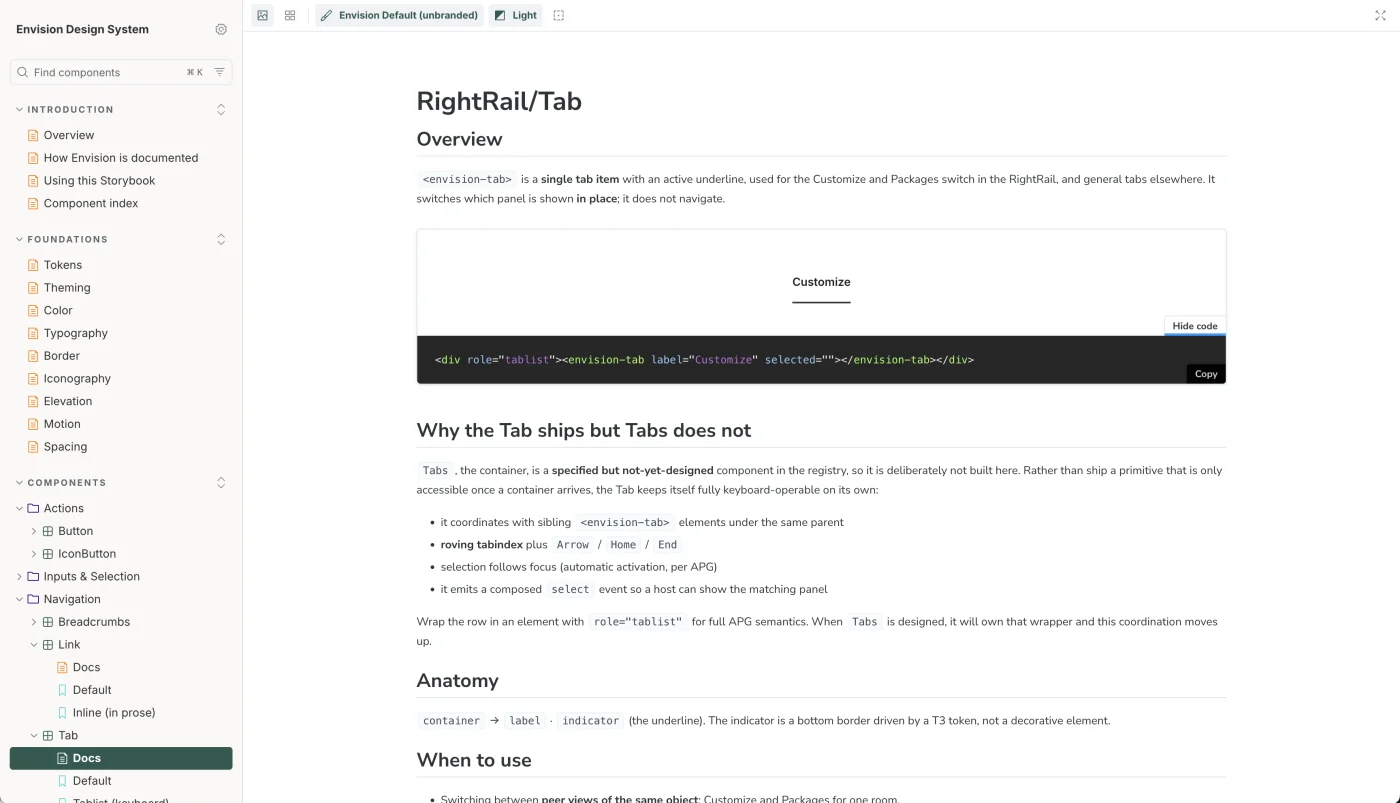
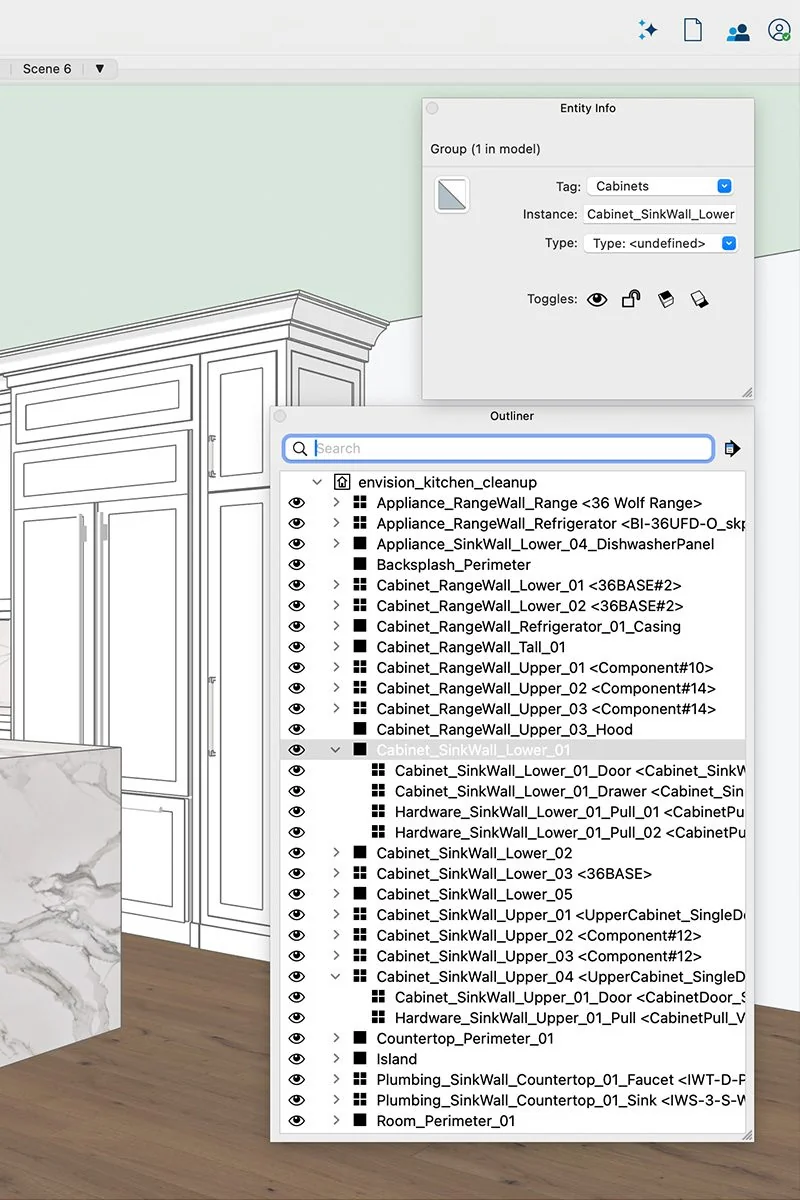
I approached the 3D models the same way. In SketchUp, I created a naming structure for cabinets, surfaces, fixtures and materials so each element could be identified and connected to the right finish. That structure could carry across different builders, floor plans and home models.
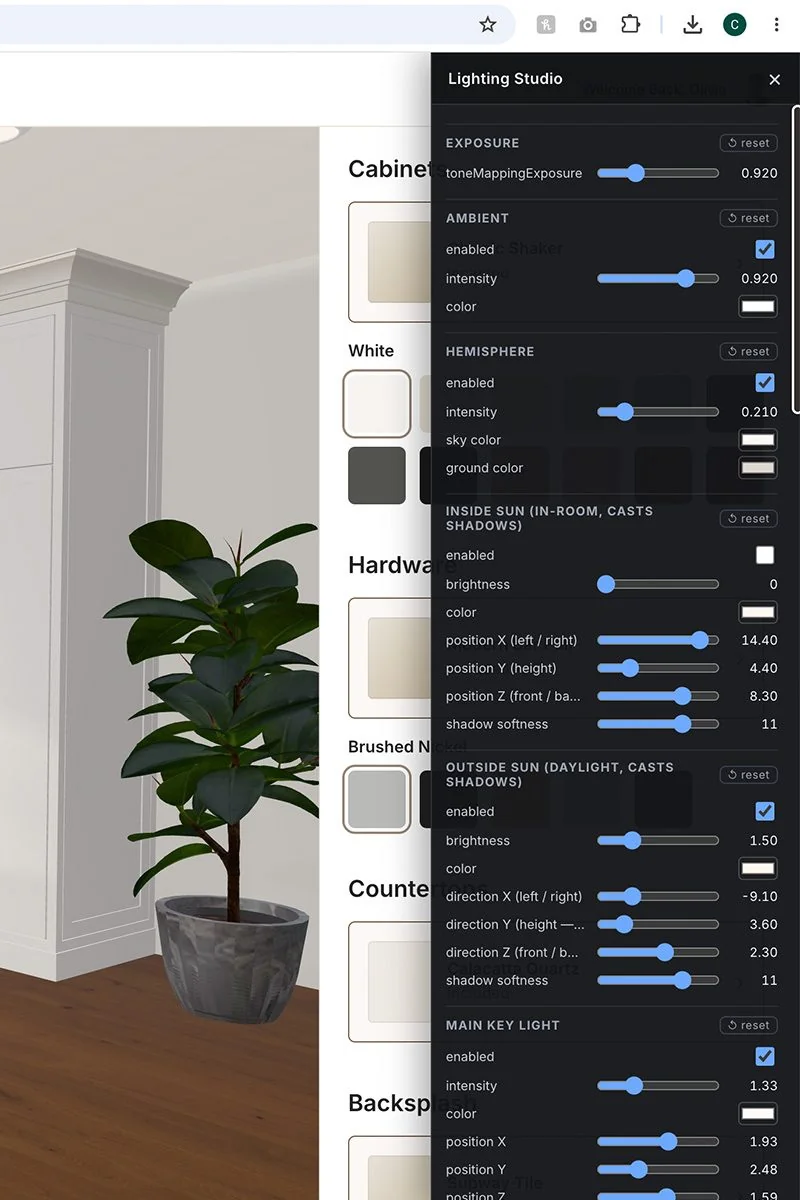
I also built a custom lighting studio so every model could use the same lighting setup instead of being adjusted individually.
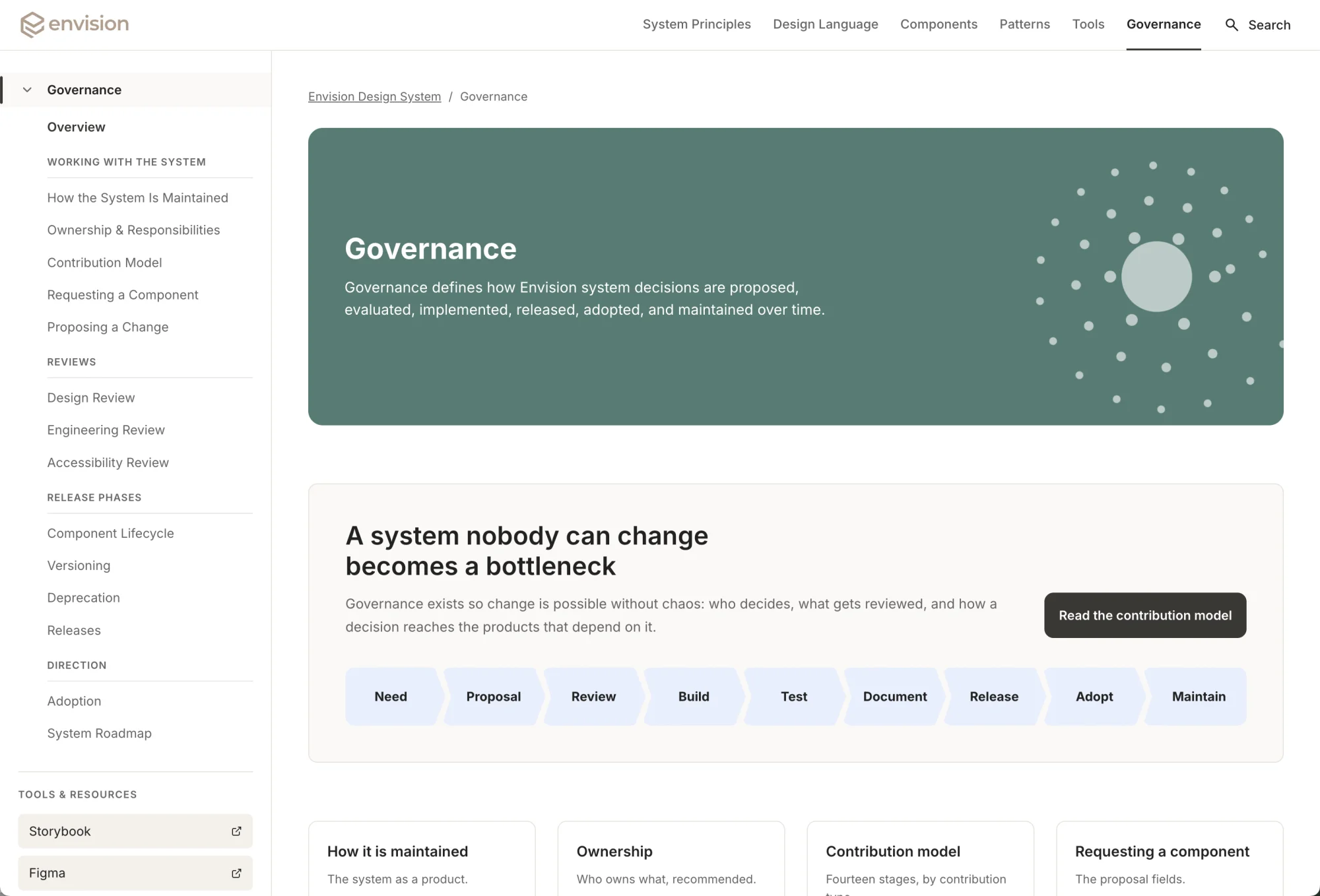
System governance
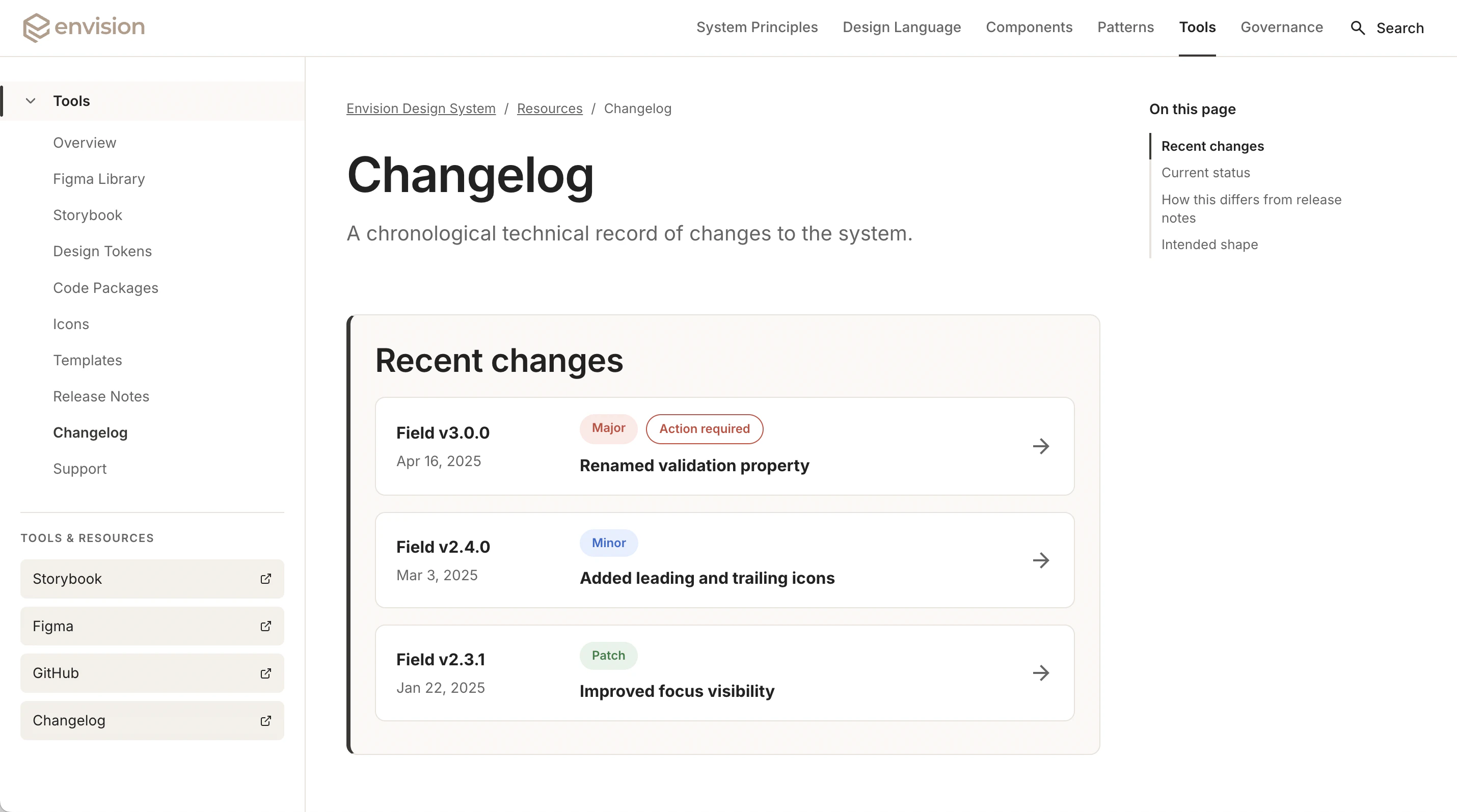
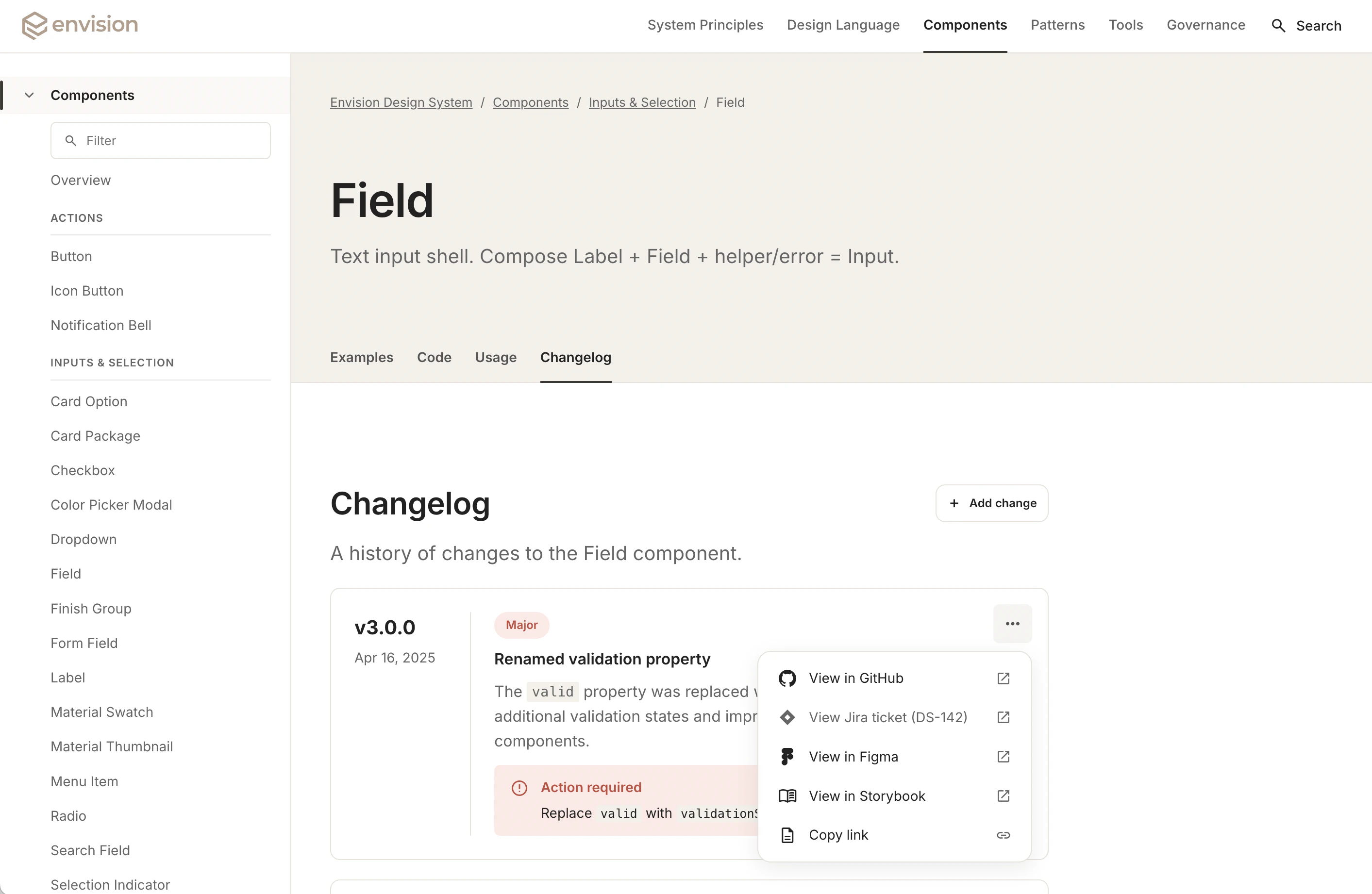
I built a dedicated Design Center so the system would be easier to use beyond the design files themselves. It brings the foundations, components and implementation guidance into one place, along with the rules for how the system should change over time.
View the Design Center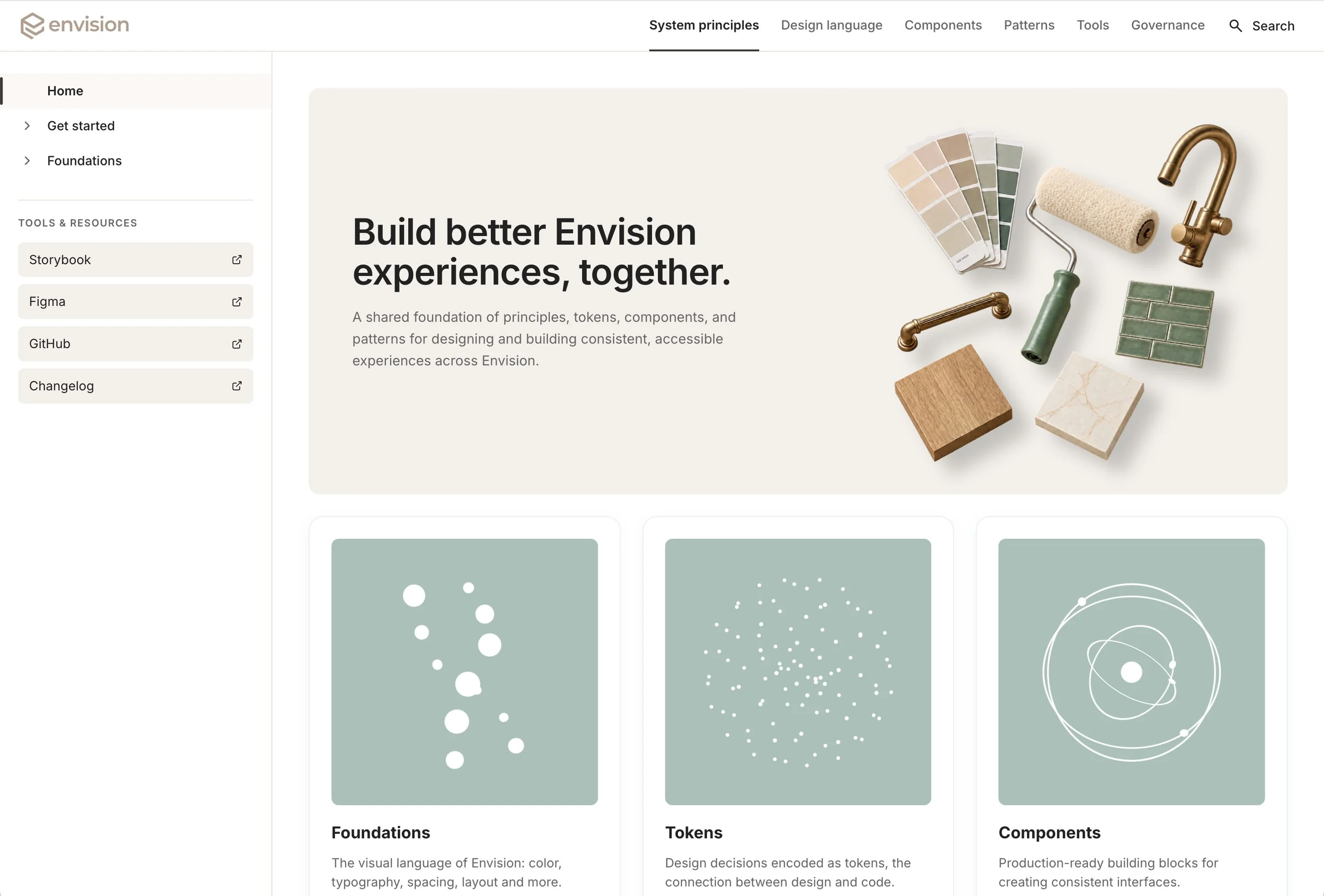
The outcome
A product like Envision would once have taken a much larger team and significant engineering investment just to find out if the idea worked. New tools changed that. I was able to take the concept into a working product, then build the design system and infrastructure around it. That let me work through product decisions earlier, test them in context and resolve more of the experience before engineering had to start building.